v1.0.53Oct 2, 2026
Several accounts per app, and a pile of fixes
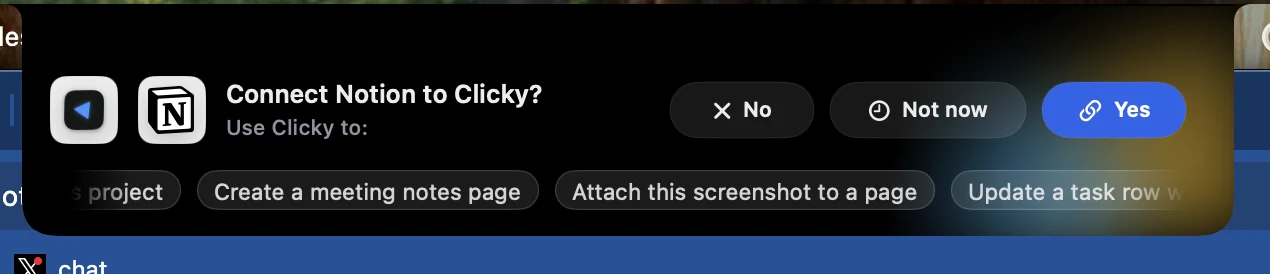
You can now connect more than one account of the same app, like a work Gmail and a personal one, and your Clickys pick the right one. Computer use is much more dependable, following up on an agent is as easy as holding your voice keys, and we fixed a long list of bugs from your support emails. Thank you to everyone who wrote in <3
connectors
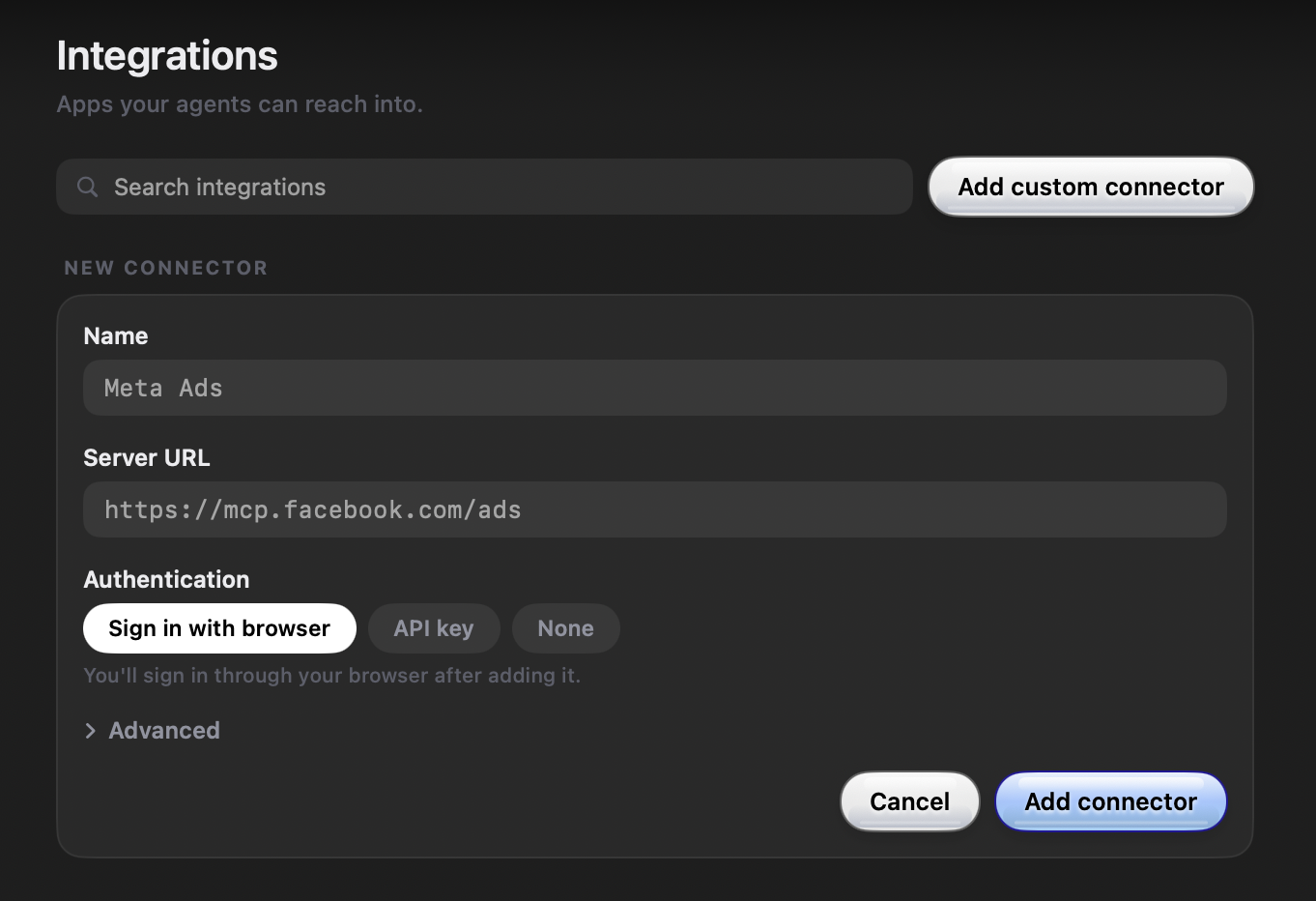
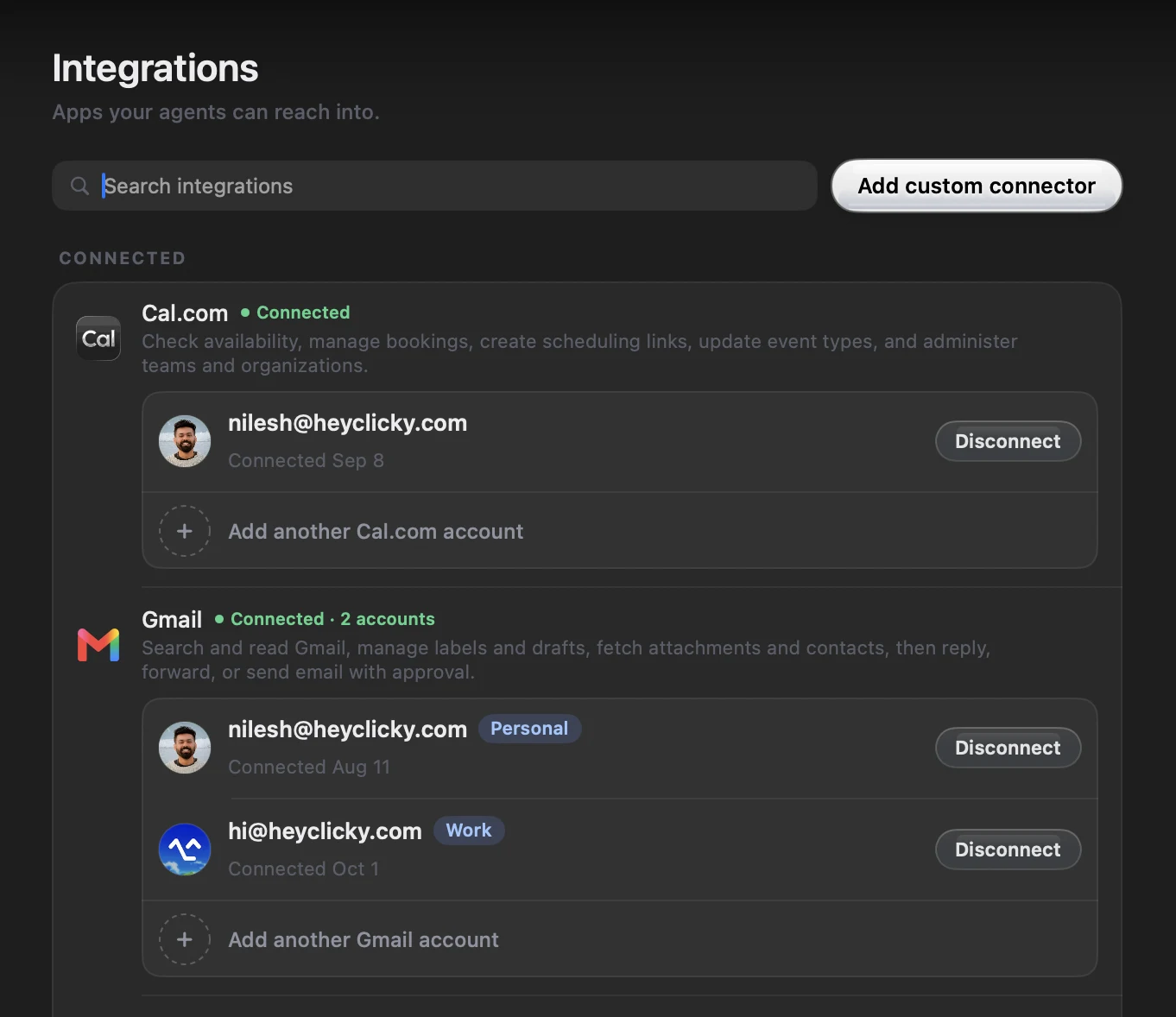
- Connect several accounts of one app: Settings > Integrations now lists each connected app's accounts with the address they sign in as, plus an "Add another account" link. Once an app has two accounts, give each one a label like Work or Personal, and disconnect each one on its own. Then just say which one you mean: "add this to my work calendar" or "check my personal email". If you don't say, your Clickys read from every account and tell you which one each result came from, act on things in the account they live in, and ask you once when it's not clear which account should send something new.requested byNusPawelPalash Tiwari
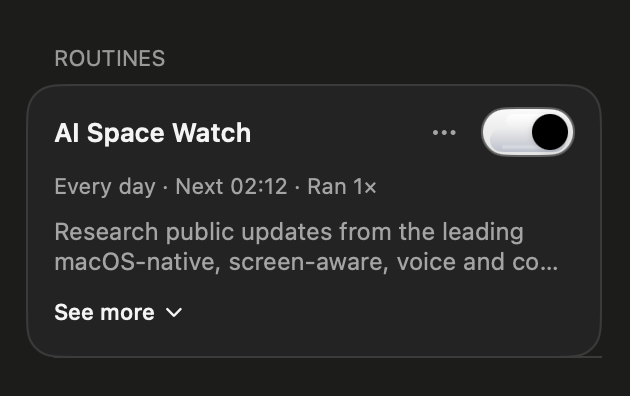
- Apps are ready before a Clicky starts: Right after your Mac woke up, a routine could start before your connected apps had finished loading, then report that it couldn't check Gmail or Stripe. Clickys now wait a moment for your apps to be ready before they start working.reported byHillel Chemouni
- Calendar invites stay on the right calendar: Adding an event to a secondary calendar no longer also invites your main account, unless you ask for that.
- Reddit and Monday, paused for now: Connecting Reddit or Monday almost never worked, so we've taken them out of the list until it does. Connections that already work keep working.reported byKe LiGodstime OsaroboLuis VilellaRonald Austin
clickys & routines
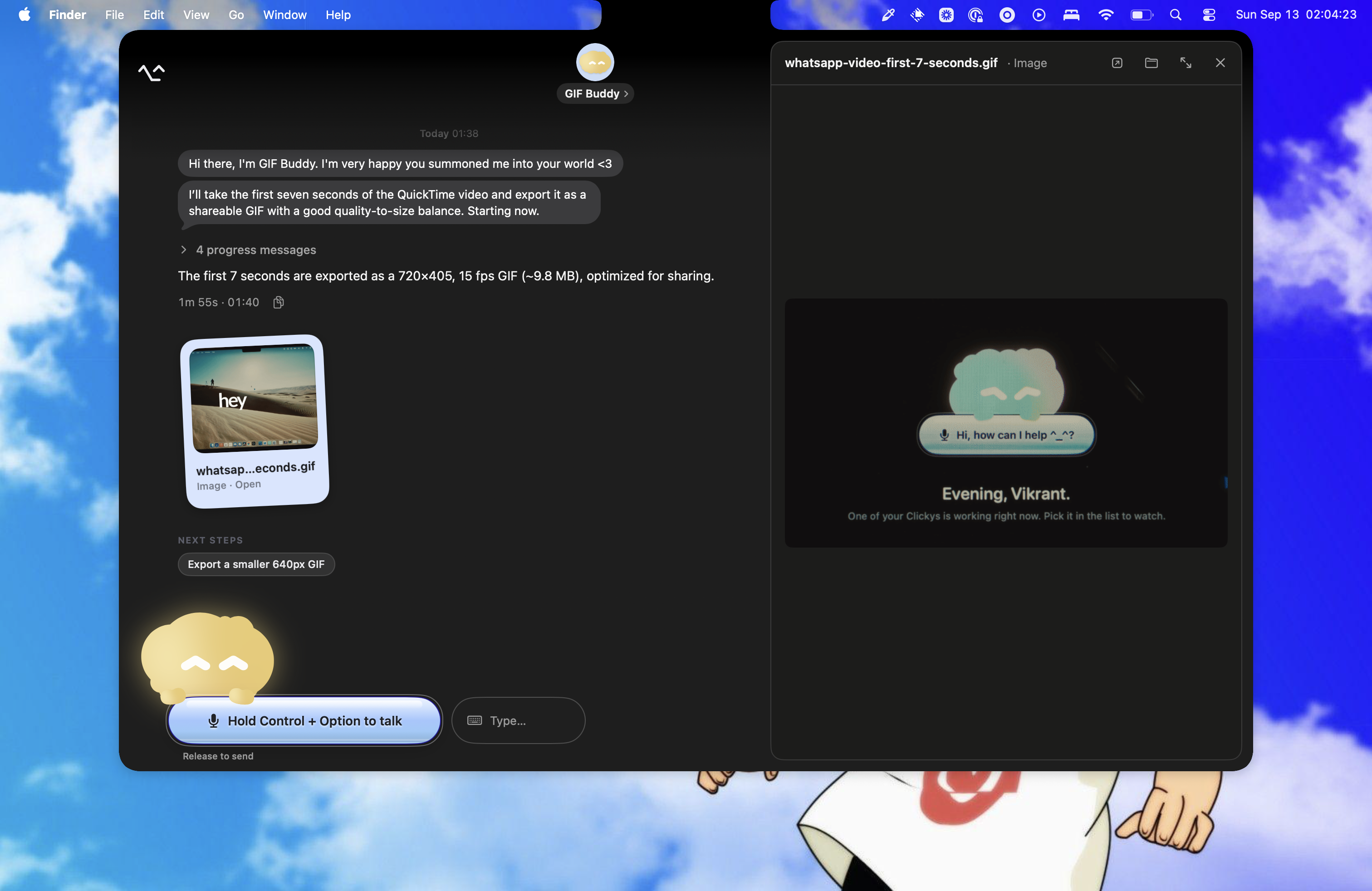
- Follow up by holding your voice keys: Point at a finished agent's card in the top right and hold your voice shortcut to answer it, then let go to send, the same gesture as everywhere else. The card shows a Listening waveform while you talk, and a short tap or Escape drops it. You can still click the text box and type.
- The card shows only the latest files: After a reply that made no files, an agent's card kept showing files from an earlier reply as if it had just made them. It now shows only what the latest reply made.
- Stopped right away? It doesn't count: If you stop an agent within 10 seconds of it starting, you get that agent message back, and the card and chat tell you it didn't count.
- Leaner agents: Every step an agent takes now carries less than half the setup it used to, and long conversations reuse what was already read instead of starting over. Long tasks are less likely to pause and ask for more agent messages, and they get going a little faster.
- Clickys ask instead of guessing: When your answer would make the work better, a Clicky now does what it can first and then asks you one short set of questions, instead of inventing details or saying it can't. The voice also only starts an agent when you clearly ask for work, otherwise it offers one, and it holds off when you say "wait".reported byMike Young
 Oskar
Oskar - Always approve, up front: On the card that asks for more agent messages, Always approve is now the main button, with Approve once beside it.
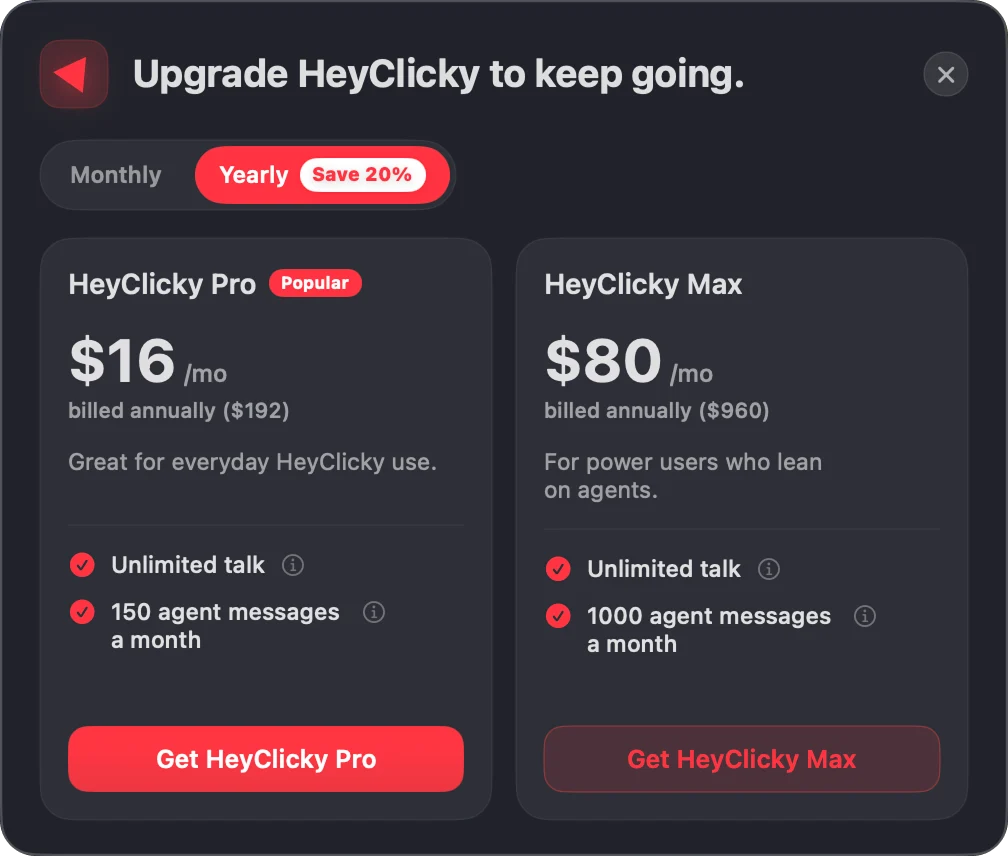
- Routines at your limit wait quietly: A scheduled routine that hit your agent limit popped up "Upgrade to Max" on every run. It now waits until your allowance resets.reported byAndrew
- No more twin Clickys: Sending a message by voice to a Clicky you had just made could create a second Clicky named after the message, like "Tell Scout". It now goes to the Clicky you meant.
- One browser window per task: A Clicky checking a few pages used to leave a new browser window open for each one. It now keeps one window per task and moves around inside it.
computer use
- Your Allow sticks: After you clicked Allow, the request could come right back, or the Clicky said it only had read-only access. That happened when a task paused for more agent messages or handed part of the job to a helper agent. Your yes now carries through both.
- Fixes itself instead of failing: Computer use could start failing on every step until you relaunched HeyClicky, even with every permission on. It now notices when its helper has stopped working, restarts it, and tries again on its own.reported byAllan KibetJagrut PatelKishan Kumar
- Answering is free: Saying Allow or Not now used to cost another agent message. Now the Clicky just picks up where it asked. The ask cards are also a calm blue instead of your Clicky's color, so they no longer look like an error.
home & voice
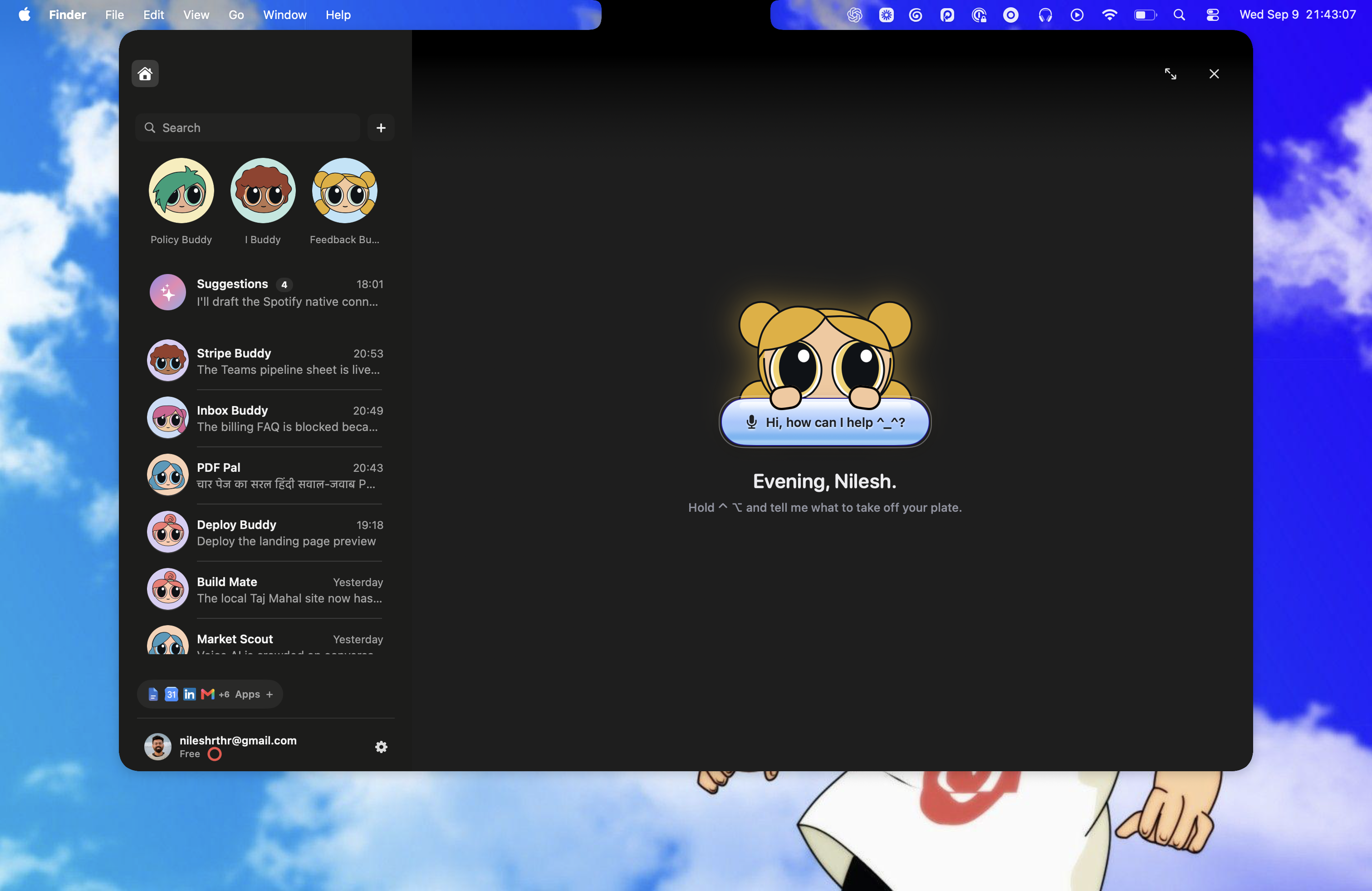

- Smoother opens: The notch peek and Home could stutter as they opened. They now open smoothly, and the file piles on each Clicky are ready the moment you hover.
- Updates without closing Home: Checking for updates no longer closes Home. When one is ready, an Update app button shows up in Home's header and in the notch peek, and the installer only opens when you click it.
- Clicky remembers the page you just left: Ask a quick follow-up like "what did billing say?" right after moving to another page, and Clicky can now look back at the page you were just on instead of sending you back to it.
- Walkthroughs keep their place: Long step-by-step walkthroughs could loop, sending you back to pages you had already visited or asking you to "say continue" right after a correct click. Clicky now keeps a running log of what you've done, and waits for slow pages to finish loading before it looks again.
- Setups that start where you are: When Clicky walks you through setting something up, it now asks what you already have instead of assuming you're starting from scratch, and it never repeats a step that just failed.
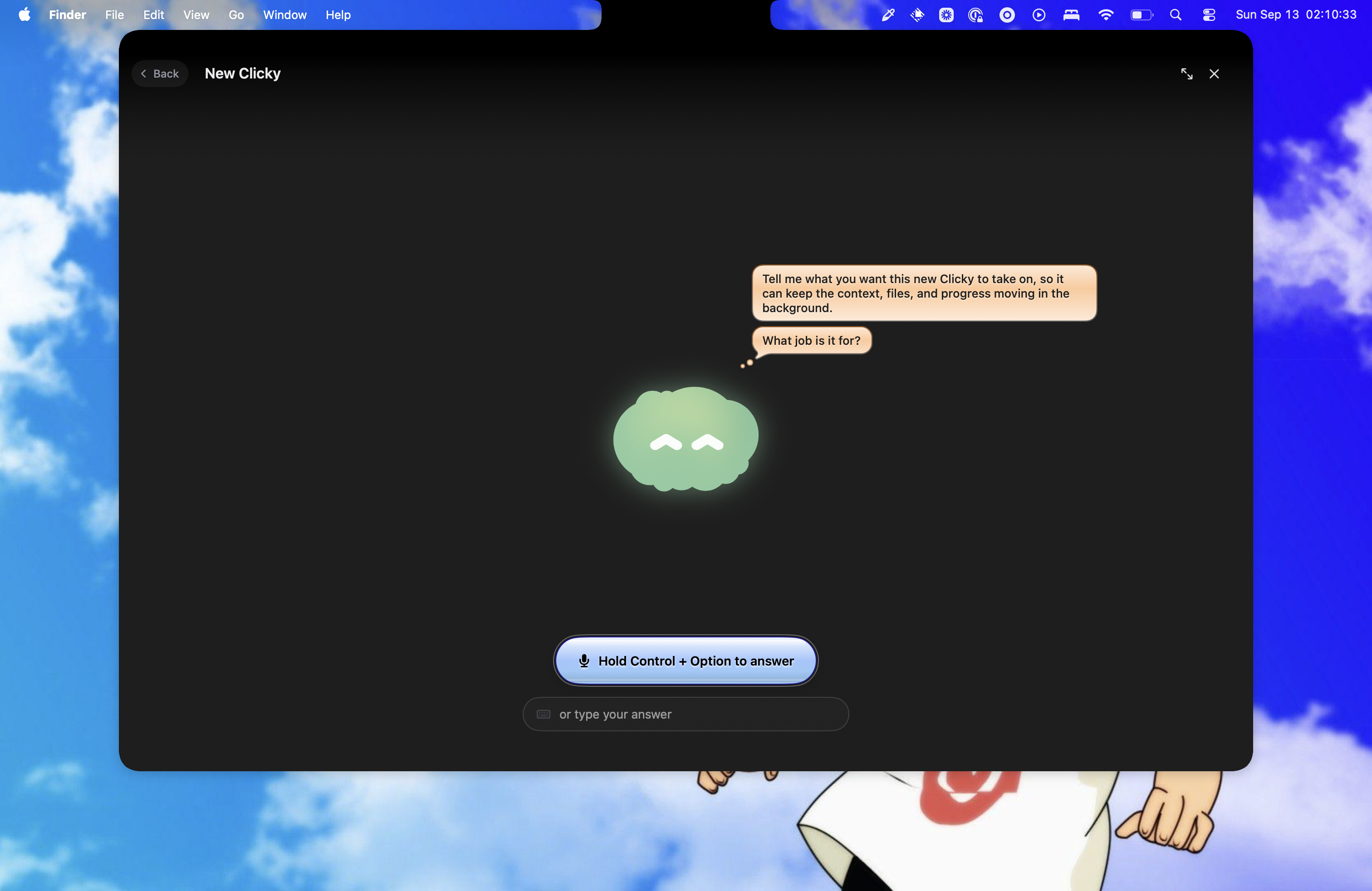
- Making a Clicky, anywhere: Asking for a new Clicky from text mode or with your voice keys now works even if you left the New Clicky page halfway through. With no Clickys yet, the notch offers Create Clicky right away, and Home's file and folder pickers open in front of the sheet instead of behind it.
- Report a bug stays in view: Report a bug opened your email behind the Home sheet, where you couldn't see it. Home now steps aside.
suggestions
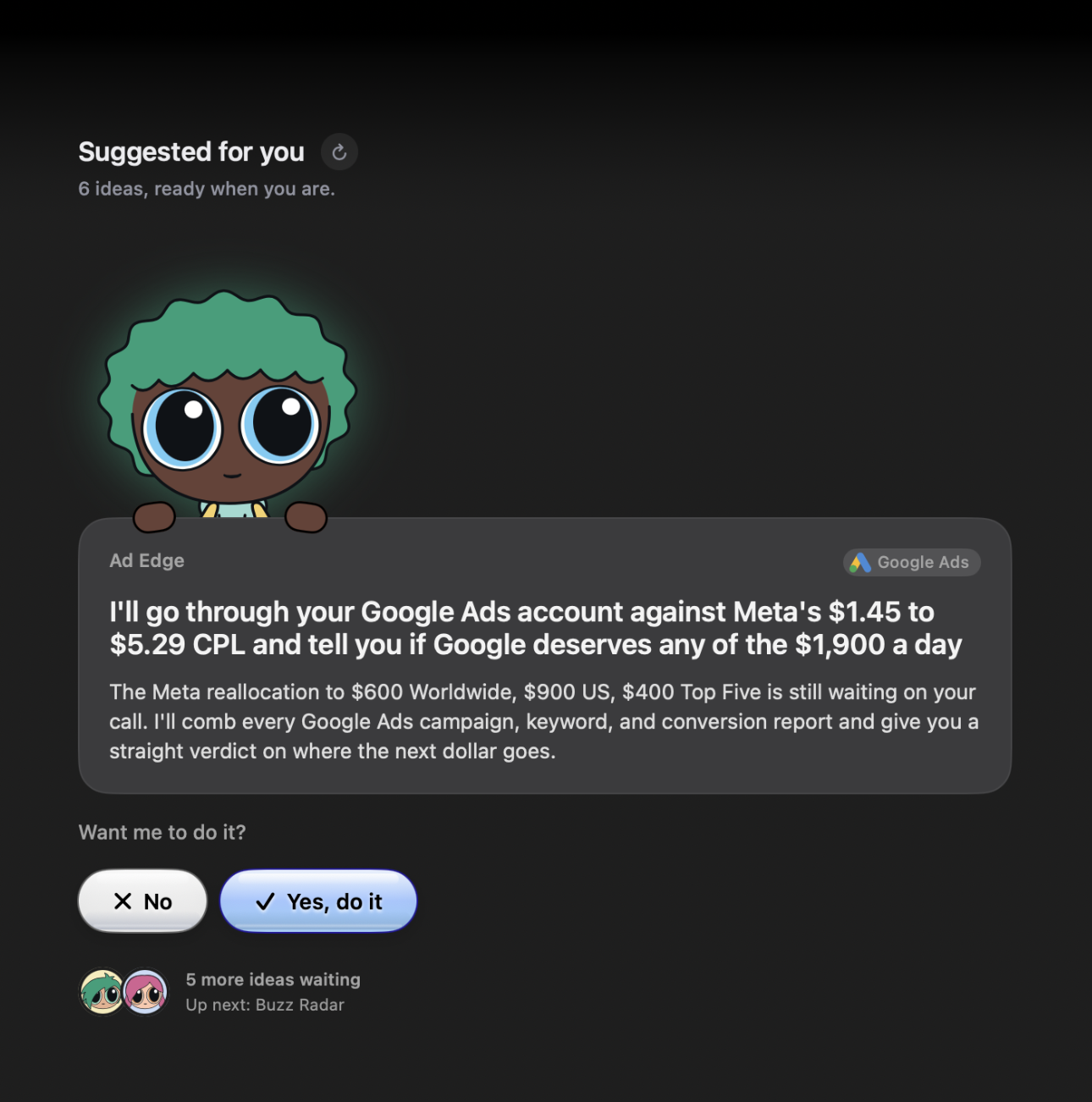
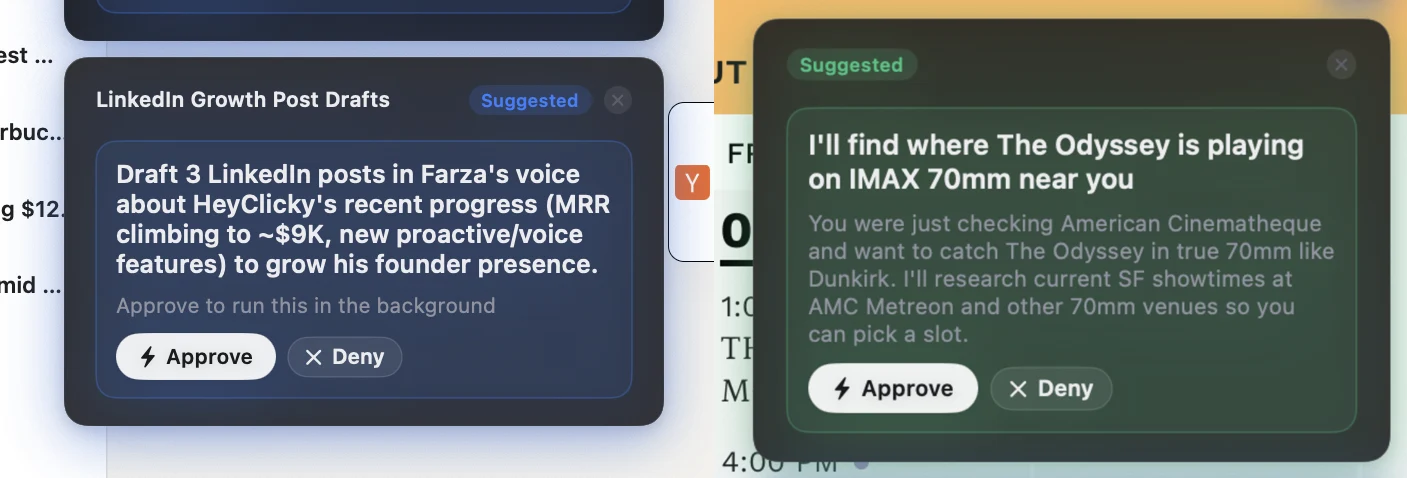
- No more repeats: Suggestions could offer the same ideas across days, or two cards doing nearly the same thing in one batch. They now remember the cards you actually saw, approved, or turned down, and each card in a batch does something different.
onboarding & settings
- Your first routine asks first: One of your first suggested tasks after the tour is now a routine card that says it repeats, with a "Yes, keep it going" button. Before, a routine was set up quietly and you never knew it would run again.
- The interview no longer freezes: Going Back to the tour interview while your Clickys were still being set up left a frozen interview. It now shows the finished step.reported byJeffrey Patrick
- Hide floating cursor: The "Dock cursor" switch in Settings > Cursor is now called "Hide floating cursor", which says what it actually does.requested bySammy
- Login item stays off: If you turned HeyClicky off as a login item in System Settings, it came back with a "Login Item Added" banner on the next launch. It now stays the way you set it.reported byTono Garcia
fixed
- Upgrade no longer crashes: Opening the upgrade page could crash HeyClicky on macOS 26. Fixed.reported byPrinceton Day
- Answers heard once: If two copies of HeyClicky were running, every voice answer came back two or three times. A second copy now refuses to start.reported byBrandon LaMarche
- No freeze after sleep: Waking your Mac, or plugging in a display or Bluetooth headphones, could beachball HeyClicky for minutes while your Mac's audio settled. All of that waiting now happens in the background.
- Voice recovers from a dropped connection: On a flaky network or VPN, voice could keep talking to a connection that had quietly died, with no answer and no error. It now notices and reconnects, and it no longer blames your microphone when the connection was the problem.reported byLijiangshan LiTarasha CheckerDaniel PrendergastSubhash
- Voice works with the lid closed: With your MacBook's lid closed, voice kept listening to the built-in mic and heard only silence. It now switches to another microphone.reported byKymer Gryson
- The text box stops opening by itself: Shortcuts like Control+C, Control+arrow, or Control+scroll could count as a double Control tap and open the text box. They don't anymore.reported by
 Khadija
 - Window screenshots work: Screenshotting a single window could capture an empty sheet with only the Clicky cursor. HeyClicky now steps out of the way while you pick a window.reported byJeremy RosenEmil BayazitovKabirSimone AzzinelliJoey WilsonMikhail ShishovKim SlawsonKareem Zein& more
- Mission Control shows your windows: Mission Control's desktop thumbnails could show only your wallpaper while HeyClicky was running. They show your windows again.reported byHeliosUtsavMichel MitriPablo CapponiAdithya KumarAlain Welliver
- Markdown files open again: Some notes your Clickys wrote said they couldn't be opened. They open now.reported byJack Ogle
- Walkthrough cursor stays free: After a click off the target in a walkthrough, the cursor could stay stuck in place. It now lets go as soon as you move your mouse.reported byDean O.
- Clicky remembers more of you: Clicky's memory of you could get cut off partway through, often losing how you like it to talk to you. It now keeps every section whole.
- Deleting your account starts fresh: Deleting your account and signing up again brought your old Clickys back. Deleting now also clears your Clickys from this Mac and moves their files to the Trash.
- No stray badge: Files & Folders in Settings no longer shows a permanent "UNKNOWN" badge.reported byWinston ChangElie